Understanding the Gladihoppers controls is essential if you want to improve your timing, balance, and attack precision. While the game looks simple at first glance, its physics-based movement makes control mastery extremely important.
In this complete guide, you’ll learn the keyboard controls, mobile controls, advanced movement mechanics, and practical tips to win more matches.
On desktop, Gladihoppers uses simple keyboard inputs. However, each action affects momentum and positioning.
Left Arrow / A – Move left
Right Arrow / D – Move right
Jump Key – Jump upward
Attack Key – Swing your weapon
Although the inputs are minimal, your gladiator reacts with realistic physics. As a result, timing matters more than fast key presses.
The most important part of the Gladihoppers controls system is momentum. Every jump and movement shifts your balance.
For example:
Jumping too early can expose you mid-air.
Landing off-balance can knock you down.
Moving aggressively can push you into enemy range.
Therefore, controlled movement often beats aggressive play.
If you are new to the mechanics, read our How to Play Gladihoppers guide for a full beginner overview.
Once you understand the basic Gladihoppers controls, you can start using advanced techniques.
Jumping before attacking increases your damage potential. However, you must time your landing carefully to avoid counterattacks.
Instead of rushing forward, use short movements to bait your opponent. Small adjustments often give you better attack angles.
After missing an attack, immediately reposition yourself. Standing still makes you vulnerable.
Because Gladihoppers uses physics-based reactions, positioning is always critical.
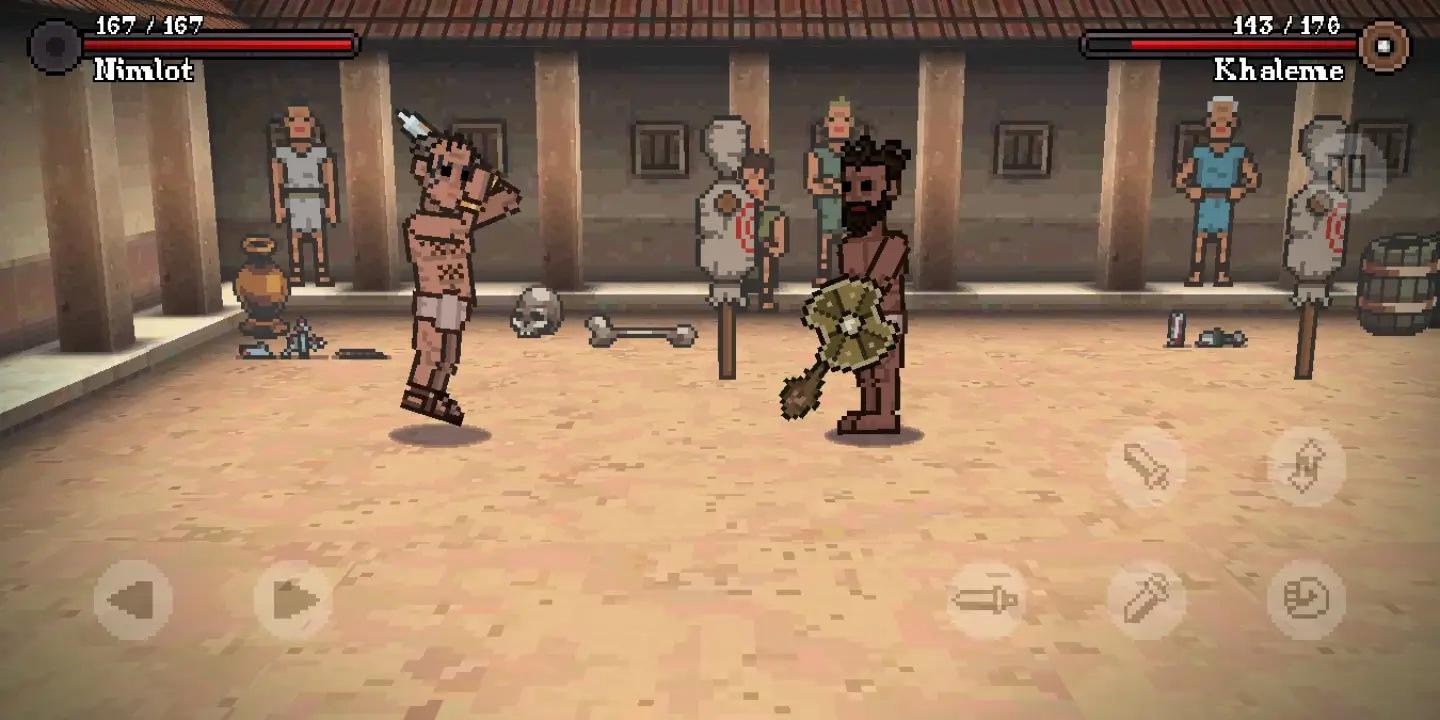
On mobile devices, the control layout changes to touch-based inputs.
Virtual movement buttons
Jump button
Attack button
Mobile controls feel slightly different due to screen sensitivity. As a result, timing may require extra practice.
If you want the smoothest gameplay experience, you can play directly on our homepage.
Both versions use the same core mechanics. However:
PC offers more precise movement.
Mobile provides convenience and accessibility.
Competitive players usually prefer keyboard controls because they allow faster reaction adjustments.
Many players struggle because they misuse the control system. Avoid these common errors:
Spamming the attack button
Jumping constantly without strategy
Ignoring balance after landing
Moving forward without spacing
Instead, focus on controlled timing and positioning.
Different weapons respond differently to movement. For example:
Spear characters benefit from spacing control.
Heavy weapons require careful recovery timing.
Sword characters allow balanced mobility.
If you want to understand weapon differences, explore our Gladihoppers Characters guide.
Certain strategies work better in specific modes. For example:
In Campaign Mode, patience helps more than aggression.
In Multiplayer, quick reactions matter more.
On PC, players use arrow keys (or A/D) for movement, a jump key, and an attack key. On mobile, touch buttons control movement, jumping, and attacks.
The controls are simple to learn, but mastering movement and momentum takes practice.
The controls stay the same, but strategies vary depending on the mode you choose.
Mastering the Gladihoppers controls gives you a serious advantage in battle. Instead of focusing only on attacking, improve your movement, balance, and positioning. Over time, you will notice better timing and more consistent victories.
Practice regularly, experiment with different characters, and refine your technique in each match.